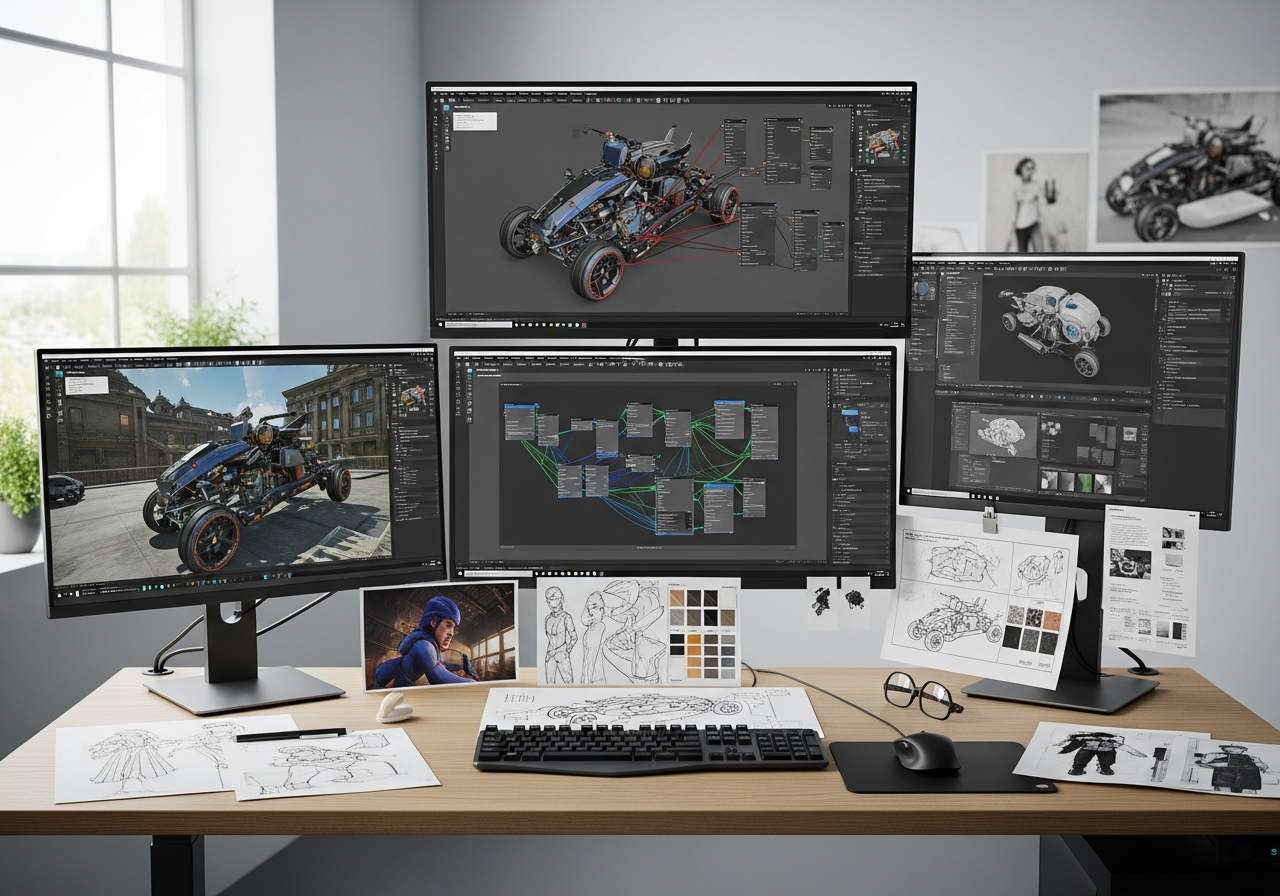
The Canadian game development industry is experiencing unprecedented growth, with technical artists becoming increasingly sought after by leading programs at institutions like Kwantlen Polytechnic University, Red River College, and Langara College. Unlike traditional art portfolios that rely heavily on static renders and concept art, technical art portfolios for Canadian programs must demonstrate real-time engine proficiency, shader development skills, and game-ready asset creation capabilities.
Building a successful technical art portfolio requires understanding the specific requirements of Canadian educational institutions, showcasing engine-based work over static imagery, and demonstrating the bridge between artistic vision and technical implementation. This comprehensive guide will walk you through the essential components, project ideas, and presentation strategies needed to create a standout portfolio that meets the rigorous standards of Canada’s top game development programs.
Understanding Canadian Program Requirements
Canadian game development programs have evolved to meet industry demands for technical artists who can seamlessly blend artistic creativity with technical expertise. Unlike general art portfolios, technical art submissions for Canadian institutions must demonstrate proficiency in real-time rendering, optimization workflows, and interactive media creation. These programs specifically look for candidates who understand the technical constraints of game development while maintaining high artistic standards.
The focus on technical implementation over pure artistry sets Canadian program requirements apart from traditional fine arts applications. Admissions committees evaluate portfolios based on problem-solving capabilities, technical innovation, and the ability to create assets that function effectively within game engines. Understanding these distinctions is crucial for crafting a portfolio that resonates with Canadian academic standards.
Each major Canadian institution has developed specific criteria that reflect their program philosophies and industry connections. Kwantlen Polytechnic University emphasizes practical application and industry-ready skills, while programs like those at Langara College focus heavily on shader development and procedural techniques. Red River College takes a more holistic approach, requiring comprehensive documentation alongside creative work.
Successfully navigating these requirements means tailoring your portfolio presentation to highlight technical proficiency while maintaining artistic excellence. Canadian programs value candidates who can articulate their technical processes and demonstrate continuous learning in rapidly evolving game development technologies.
KPU Entertainment Arts Portfolio Specs
Kwantlen Polytechnic University’s Entertainment Arts program has established clear guidelines for technical art portfolio submissions that emphasize practical application and industry readiness. Their requirements reflect the program’s strong connections with Vancouver’s thriving game development scene and focus on preparing students for immediate industry integration.
The program specifically values interactive demonstrations over static presentations, requiring applicants to showcase their work through accessible web-based platforms. KPU’s evaluation criteria prioritize technical implementation, creative problem-solving, and the ability to work within real-time constraints typical of modern game development.
Portfolio submissions must demonstrate understanding of production pipelines, optimization techniques, and collaborative workflows. KPU evaluates applicants based on their potential for growth within structured learning environments while maintaining high standards for technical execution and artistic vision.
- Interactive demos showcasing real-time rendering capabilities and technical implementation
- Video documentation of workflow processes, tool creation, and problem-solving approaches
- Game-ready assets with detailed breakdowns of optimization techniques and technical specifications
- Shader work demonstrating both artistic vision and technical understanding of real-time rendering
- Documentation of collaborative projects highlighting technical art pipeline contributions
- Web-accessible portfolio format with no executable files or complex installation requirements
Other Programs: RRC and Langara
Red River College’s Digital Media Arts program requires 3-5 substantial works accompanied by a detailed resume and artist statement that contextualizes technical achievements within broader creative goals. RRC emphasizes the importance of demonstrating growth potential and collaborative skills, often preferring portfolios that show progression over time rather than just polished final pieces.
Langara College’s Centre for Entertainment Arts places particular emphasis on shader development and procedural generation techniques, reflecting their curriculum’s focus on cutting-edge technical art practices. Their admissions process values innovation in real-time rendering and the ability to push technical boundaries while maintaining practical application for game development workflows.
Core Skills for Technical Artists in Canadian Programs
Technical artists in Canadian game development programs must master a diverse skill set that bridges artistic creativity with technical implementation. The most successful candidates demonstrate proficiency across multiple software packages, programming languages, and production pipelines while maintaining strong artistic fundamentals and problem-solving capabilities.
Canadian institutions particularly value applicants who understand the constraints and opportunities of real-time rendering, optimization for various platforms, and collaborative development workflows. The ability to create tools, automate processes, and solve complex technical challenges while maintaining artistic vision sets exceptional candidates apart from those with purely artistic or purely technical backgrounds.
Modern technical art roles require constant adaptation to new technologies, making learning agility and technical curiosity essential traits for success in Canadian programs. Students must demonstrate not just current skill levels but the capacity for continuous growth in rapidly evolving technological landscapes.
| Skill | Tools/Software | Portfolio Example | Canadian Program Relevance |
|---|---|---|---|
| Real-time Shading | Unity ShaderGraph, Unreal Material Editor, HLSL | Interactive shader demo with parameter controls | Essential for KPU and Langara programs focusing on real-time rendering |
| Procedural Generation | Houdini, Substance Designer, Maya MEL | Procedural environment or texture system | Highly valued at Langara for advanced technical art curriculum |
| Asset Optimization | Maya, Blender, Substance Painter, Texture Streaming | Game-ready asset with LOD breakdown | Critical for all Canadian programs emphasizing industry readiness |
| Tool Development | Python, C#, MaxScript, Pipeline Tools | Custom tool with workflow demonstration | Demonstrates problem-solving skills valued by RRC |
| Animation Systems | Maya Rigging, Unity Timeline, Unreal Sequencer | Character rig or procedural animation system | Important for comprehensive technical art education |
| Lighting and Rendering | Unity URP/HDRP, Unreal Lumen, Arnold, V-Ray | Real-time lighting setup with technical breakdown | Fundamental skill for all Canadian game development programs |
Engine Proficiency: Unity vs Unreal
Both Unity and Unreal Engine hold significant importance in Canadian game development education, with each offering distinct advantages for technical art applications. Understanding when to showcase Unity versus Unreal projects can significantly impact portfolio effectiveness, as different Canadian programs may have preferences based on their curriculum focus and industry partnerships.
The choice between engines often depends on the specific technical art specialization being demonstrated, with Unity excelling in certain areas while Unreal dominates others. Successful portfolios often include work from both engines, showing adaptability and comprehensive technical understanding that Canadian programs highly value.
| Aspect | Unity | Unreal | Portfolio Tip |
|---|---|---|---|
| Shader Development | ShaderGraph visual editor, HLSL custom nodes | Material Editor with Blueprint integration | Show both visual and code approaches |
| Tool Development | C# editor scripts and custom inspectors | Blueprint tools and editor utilities | Demonstrate workflow automation |
| Mobile Optimization | Strong mobile performance focus | Improving mobile support with UE5 | Unity preferred for mobile projects |
| Visual Fidelity | Requires more manual setup for high-end visuals | Built-in high-quality rendering features | Unreal better for showcase pieces |
| Web Deployment | WebGL builds for easy portfolio sharing | Limited web deployment options | Unity essential for web portfolios |
Portfolio Structure and Presentation Best Practices
Creating an effective technical art portfolio requires strategic organization that guides viewers through your technical capabilities while maintaining visual appeal and accessibility. Canadian program evaluators typically spend limited time reviewing each submission, making clear navigation and immediate impact crucial for success. The portfolio structure should prioritize interactive demonstrations over static imagery, allowing reviewers to experience your technical work firsthand.
Web-based portfolios have become the standard for Canadian technical art applications, offering universal accessibility and the ability to showcase real-time interactive content. Your presentation should balance technical depth with visual clarity, providing enough detail for technical evaluation while remaining approachable for diverse review committees that may include both artists and programmers.
The most successful portfolios tell a cohesive story about your technical art journey, demonstrating growth, specialization, and professional readiness. Each piece should contribute to an overall narrative that aligns with your target program’s values and curriculum focus, whether emphasizing innovation, industry readiness, or collaborative skills.
- Create a compelling landing page that immediately showcases your best technical work through interactive demos or impressive visuals
- Organize projects by skill area or complexity level, providing clear navigation between shader work, tool development, and asset creation
- Include comprehensive breakdowns for each project showing process, technical challenges, and solutions implemented
- Implement responsive design ensuring accessibility across devices used by admissions committees
- Provide downloadable technical documentation and resume while keeping the main experience web-based
- Test all interactive elements thoroughly across different browsers and platforms commonly used in educational settings
- Include clear contact information and links to additional work on platforms like ArtStation or GitHub for extended viewing
Choosing and Curating Your Pieces
Successful portfolio curation requires balancing breadth of skills with depth of expertise, showing Canadian programs that you possess both the foundational knowledge and specialized abilities needed for advanced technical art education. The selection process should prioritize quality over quantity, with each piece serving a specific purpose in demonstrating your technical and artistic capabilities.
Diversity in project types showcases adaptability and comprehensive skill development, but coherence in presentation style and technical quality maintains professional standards. Your curated selection should reflect understanding of current industry trends while demonstrating personal artistic vision and technical innovation that sets you apart from other applicants.
Consider the narrative flow between pieces, ensuring that your portfolio tells a compelling story of growth, challenge-solving, and creative technical implementation. Each project should build upon previous work while introducing new skills or approaches, showing admissions committees your potential for continued development within their program structure.
Technical Presentation: Engine Showcases
Engine-based demonstrations form the cornerstone of effective technical art portfolios, providing immediate proof of real-time implementation skills that Canadian programs prioritize. These showcases must balance impressive visual results with clear technical communication, allowing reviewers to understand both the artistic vision and technical achievement behind each piece.
Interactive demos should include clear instructions for navigation and feature exploration, ensuring that reviewers can fully appreciate the technical complexity and artistic merit of your work regardless of their individual technical expertise levels.
- Prioritize WebGL builds and embedded demos that run directly in browsers without additional downloads or installations
- Include parameter controls and interactive elements that showcase the flexibility and technical depth of your implementations
- Provide comprehensive technical documentation alongside visual demonstrations, explaining algorithms, optimizations, and creative decisions
- Ensure all demos load quickly and run smoothly on standard hardware commonly available in academic review environments
- Include video alternatives for complex interactions that may not translate well to static viewing or slow network conditions
- Implement clear visual indicators for interactive elements and provide intuitive controls that encourage exploration without confusion
Project Ideas Tailored for Tech Art Portfolios
Selecting the right projects for your technical art portfolio requires understanding both your current skill level and the specific expectations of Canadian game development programs. The most effective portfolio projects demonstrate technical problem-solving while producing visually compelling results that showcase both artistic sensibility and technical expertise.
Successful projects often address real-world game development challenges, showing admissions committees that you understand the practical applications of technical art in production environments. Consider projects that allow you to demonstrate multiple skills simultaneously, such as shader work that also involves procedural generation or tool development that enhances artistic workflows.
The best portfolio projects tell stories about creative problem-solving and technical innovation, providing opportunities to discuss your thought process, challenges encountered, and solutions developed. Canadian programs particularly value projects that show collaboration potential and understanding of production pipeline constraints.
Time investment in portfolio projects should be balanced against the learning opportunities and portfolio impact they provide. More complex projects aren’t always better; often a well-executed simple concept demonstrates more skill and understanding than an overly ambitious project that lacks polish or clear technical communication.
| Project Idea | Skills Demonstrated | Time Estimate | Canadian Fit |
|---|---|---|---|
| Interactive Shader Playground | Real-time shading, UI development, parameter optimization | 3-4 weeks | Perfect for KPU and Langara shader-focused curricula |
| Procedural Environment System | Procedural generation, optimization, tool development | 6-8 weeks | Demonstrates advanced technical skills valued by all programs |
| Character Rigging Toolkit | Animation systems, Python scripting, pipeline automation | 4-5 weeks | Shows collaboration focus important to RRC |
| Mobile-Optimized Scene | Performance optimization, LOD systems, mobile rendering | 4-6 weeks | Relevant for Canadian mobile game industry focus |
| VFX System with Custom Tools | Particle systems, real-time VFX, editor tool creation | 5-7 weeks | Showcases both artistic and technical problem-solving |
| Cross-Platform Asset Pipeline | Pipeline development, automation, multi-platform optimization | 6-8 weeks | Demonstrates industry-ready production understanding |
| Interactive Lighting Demo | Real-time lighting, atmosphere effects, performance balancing | 3-4 weeks | Essential skill demonstration for all Canadian programs |
Beginner to Advanced Project Progression
Building a technical art portfolio should follow a logical progression from foundational skills to advanced specializations, allowing Canadian programs to assess both your current capabilities and growth potential. Beginning projects should focus on demonstrating solid understanding of fundamental concepts like shader basics, simple rigging, and asset optimization, providing the groundwork for more complex undertakings.
Intermediate projects should begin combining multiple skill areas and introducing problem-solving elements that show your ability to tackle real-world technical challenges. These might include creating custom tools for specific workflow improvements, developing more sophisticated shaders with multiple features, or building systems that require both artistic and technical considerations.
Advanced projects should demonstrate mastery of complex technical concepts while showcasing your unique artistic vision and problem-solving approach. These capstone pieces often involve significant programming components, innovative use of technology, or solutions to novel technical art challenges that push beyond standard approaches. The progression should show clear growth in both technical sophistication and artistic maturity, proving to Canadian programs that you’re ready for advanced education and eventual industry contribution.
Showcasing Game-Ready Assets and Optimization
Game-ready asset creation represents one of the most critical skills for technical artists entering Canadian game development programs, as it demonstrates understanding of the practical constraints and optimization requirements essential for real-time applications. Your portfolio must clearly show the ability to balance visual quality with performance considerations, a skill that Canadian programs consider fundamental for industry success.
Effective asset showcases should document the entire creation pipeline from initial concept through final implementation, highlighting technical decisions made throughout the process. Canadian admissions committees particularly value seeing how you approach problems like polygon budgets, texture resolution choices, and LOD implementation, as these skills directly translate to professional game development workflows.
The presentation of optimized assets should include performance metrics, technical specifications, and clear before-and-after comparisons that demonstrate your understanding of optimization impact. This level of technical documentation shows Canadian programs that you think like a professional technical artist who considers the broader implications of creative decisions on project success and team productivity.
Asset Pipeline Breakdown
Understanding and documenting your asset creation pipeline demonstrates to Canadian programs that you grasp the collaborative and technical aspects of professional game development. A well-documented pipeline shows not just the final results of your work, but your systematic approach to problem-solving and quality control throughout the creation process.
Your pipeline documentation should emphasize decision-making rationale at each step, showing why specific techniques were chosen and how they contribute to the final asset’s performance and visual quality. This analytical approach to technical art creation is highly valued by Canadian programs that prepare students for leadership roles in game development teams.
- High-poly model creation with attention to clean topology and efficient sculpting workflows for maximum detail capture
- Strategic retopology focusing on edge flow optimization for animation and deformation while meeting polygon budget constraints
- UV mapping with careful seam placement and texel density optimization to maximize texture resolution efficiency
- Texture baking process including normal maps, ambient occlusion, and other detail maps with proper cage setup
- Material creation and shader development with focus on PBR workflows and real-time rendering optimization
- LOD generation and testing across multiple detail levels to ensure smooth performance scaling
- Engine integration and final optimization including texture compression, import settings, and performance validation
Performance Optimization Strategies
Performance optimization represents a crucial technical art skill that Canadian programs evaluate carefully, as it demonstrates understanding of the practical constraints that govern professional game development. Your portfolio should showcase various optimization techniques and their impact on both visual quality and runtime performance, proving your readiness for industry-standard development practices.
Successful optimization showcases should include quantitative data about performance improvements, showing Canadian admissions committees that you approach technical challenges with analytical rigor. Documentation of optimization strategies and their trade-offs demonstrates the kind of strategic thinking that Canadian programs aim to develop in their students.
Real-World Examples and Common Pitfalls
Analyzing successful technical art portfolios from Canadian program admissions provides valuable insights into effective presentation strategies and content selection. The most compelling portfolios often share common characteristics: clear technical communication, comprehensive project documentation, and demonstration of both artistic vision and technical expertise that align with program values and industry needs.
Common portfolio weaknesses include over-reliance on static renders instead of interactive demonstrations, inadequate technical documentation, and poor web presentation that hinders accessibility for review committees. Understanding these pitfalls helps you avoid critical mistakes that could prevent your portfolio from receiving proper evaluation by Canadian program admissions teams.
Successful portfolios often exceed basic requirements by including innovation, personal voice, and clear evidence of continuous learning and growth. These elements demonstrate to Canadian programs that you possess not just current skills, but the motivation and capability for continued development throughout your academic journey and professional career.
| Example Portfolio | Strengths | Weaknesses | Lesson for Canadian Apps |
|---|---|---|---|
| Shader-Heavy Portfolio | Excellent technical depth, interactive demos, clear documentation | Limited breadth, few collaborative or pipeline examples | Balance specialization with diverse skill demonstration |
| Tool-Focused Submission | Strong problem-solving evidence, workflow automation, practical value | Weak visual presentation, limited artistic demonstration | Technical skills must be paired with artistic sensibility |
| Asset-Creation Focus | Industry-relevant skills, optimization examples, complete pipelines | Limited innovation, standard approaches only | Include creative problem-solving alongside technical competence |
| Mixed-Media Approach | Breadth of skills, collaborative examples, growth demonstration | Lack of specialization depth, unclear focus area | Establish clear specialization while showing versatility |
| Innovation-Driven Portfolio | Unique approaches, technical innovation, research potential | May lack industry-standard skill demonstration | Balance innovation with proven technical fundamentals |
Avoiding Submission Mistakes
Common submission errors can immediately disqualify otherwise strong portfolios from consideration by Canadian program admissions committees. Understanding these critical mistakes helps ensure that your technical and artistic efforts receive proper evaluation rather than being dismissed due to presentation or formatting issues.
The most successful applicants carefully review all submission guidelines and test their portfolio accessibility across multiple platforms and browsers before final submission. Taking time to verify that all interactive elements function properly and that documentation is complete and professional demonstrates the attention to detail that Canadian programs expect from successful technical artists.
- Never include executable files or complex installation requirements that create barriers for admissions review committees
- Avoid over-complicated navigation systems that hide your best work or make exploration difficult for time-constrained reviewers
- Ensure all interactive content includes fallback options like videos or images for cases where real-time demos cannot run properly
- Test portfolio loading times and functionality across different browsers and devices commonly used in academic environments
- Provide clear technical requirements and instructions for any interactive content to prevent reviewer frustration or missed opportunities